Live picture & sound
Watch video and hear audio from the camera device in real time.
Turn two iPhones or iPads into a private camera and monitor. Connect nearby for free, or use PeerCam Pro's end-to-end encrypted relay when the devices are on different networks.
Everything for a nearby link is free. PeerCam Pro adds the tools for demanding or remote viewing.
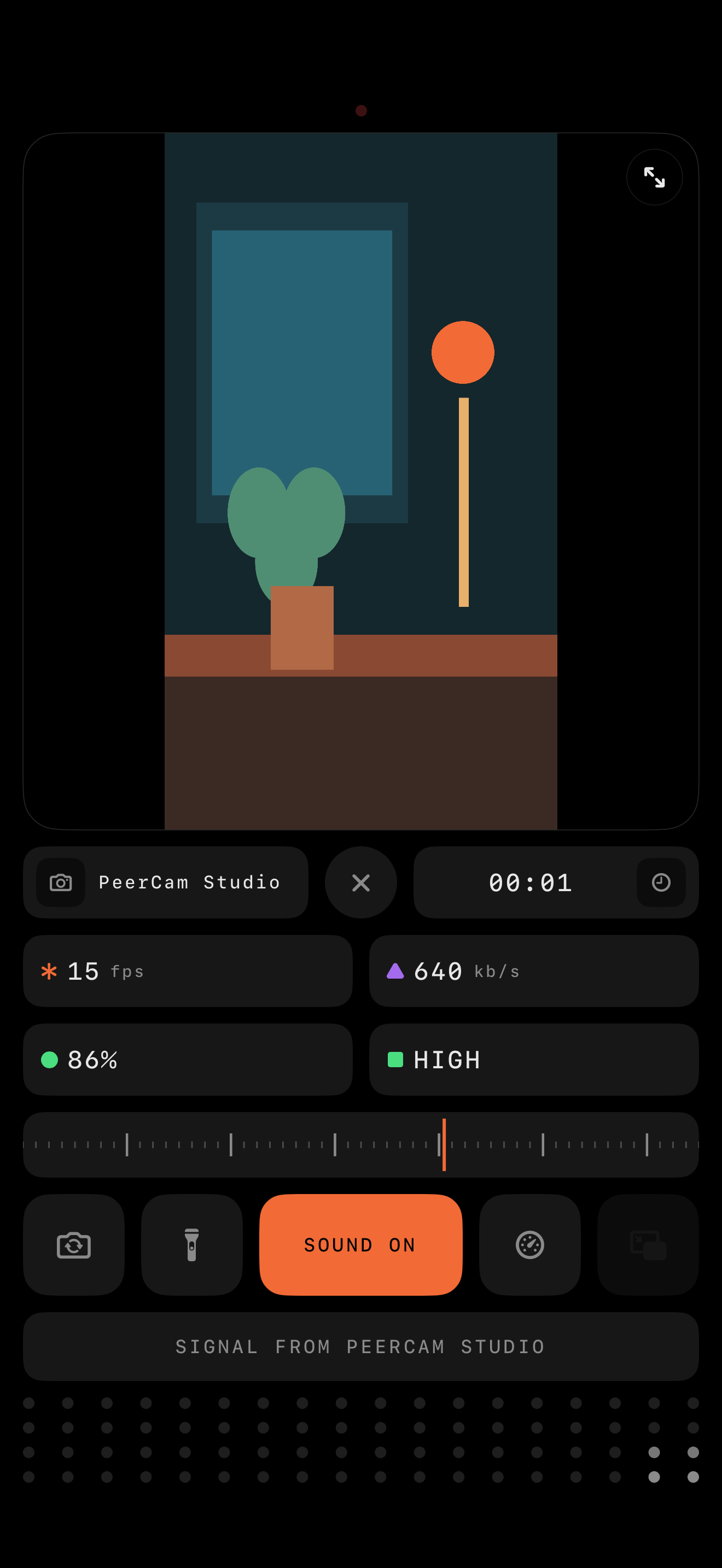
Watch video and hear audio from the camera device in real time.
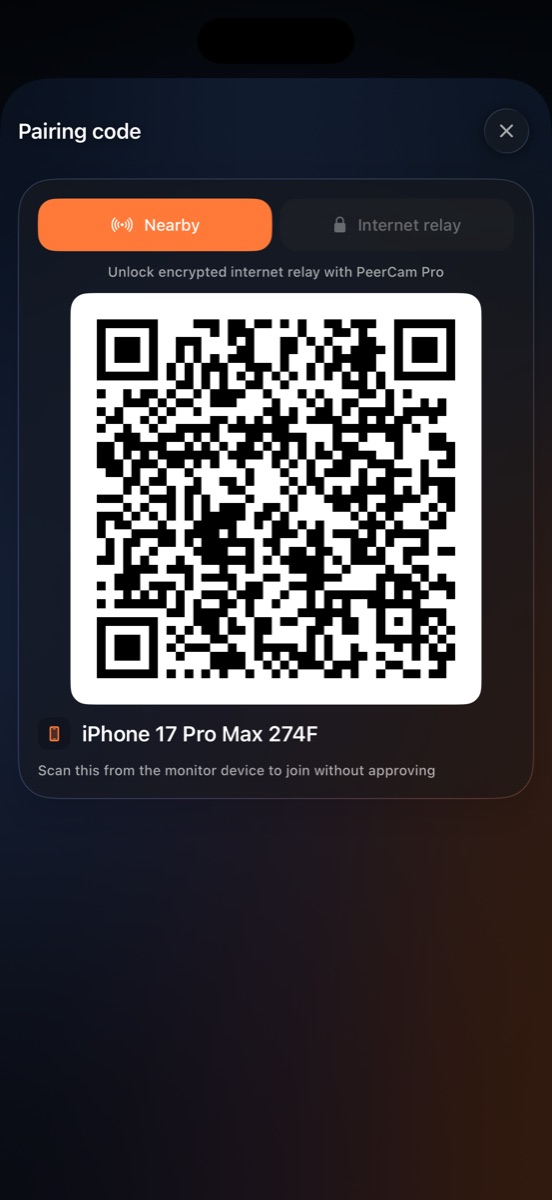
Find nearby cameras automatically, approve by name, or scan a QR code.
The monitor keeps the last two minutes and can scrub back into them — including after the camera has gone off air, which is exactly when they matter.
Switch camera, toggle the torch, adjust quality, and control sound remotely.
See frame rate, bitrate, battery, uptime, and link quality at a glance.
Pinch to zoom up to 5× on the monitor and drag to look around. Nothing is sent to the camera; the full frame keeps arriving.
The camera waits in an ultra-low-power state until a monitor connects, and its screen can be dimmed or blacked out completely.
An optional subscription — 7 days free — for Night Vision in the dark, Picture in Picture, Ultra HD, extreme Data Saver, and an end-to-end encrypted internet relay.
No account, analytics, advertising SDK, or cloud recording. Relay traffic is end-to-end encrypted.
PeerCam opens as the camera. Prop that device up facing whatever you want to keep an eye on.
On your other device, tap the monitor button in the top bar. It lists the cameras it can see.
Tap the camera and approve the request on it — or scan its QR code to skip that — and the encrypted stream begins.
Nearby media travels directly between your devices. PeerCam Pro can relay encrypted packets across networks, but the relay cannot decrypt them and does not store recordings. Trusted device names stay on your device.
PeerCam is on the App Store for iOS 18 and later. Free to download, with an optional PeerCam Pro subscription that starts with a 7-day free trial.